Everything done for you.
The tedious parts of bookkeeping prep — data entry, categorizing, reconciling — handled automatically. BillsClerk does the groundwork so you and your accountant can focus on what actually matters.
Email them, upload them, or snap a photo. BillsClerk reads PDFs, scanned receipts, and phone photos — whatever ends up in your inbox. No sorting, no renaming, no prep work on your end.
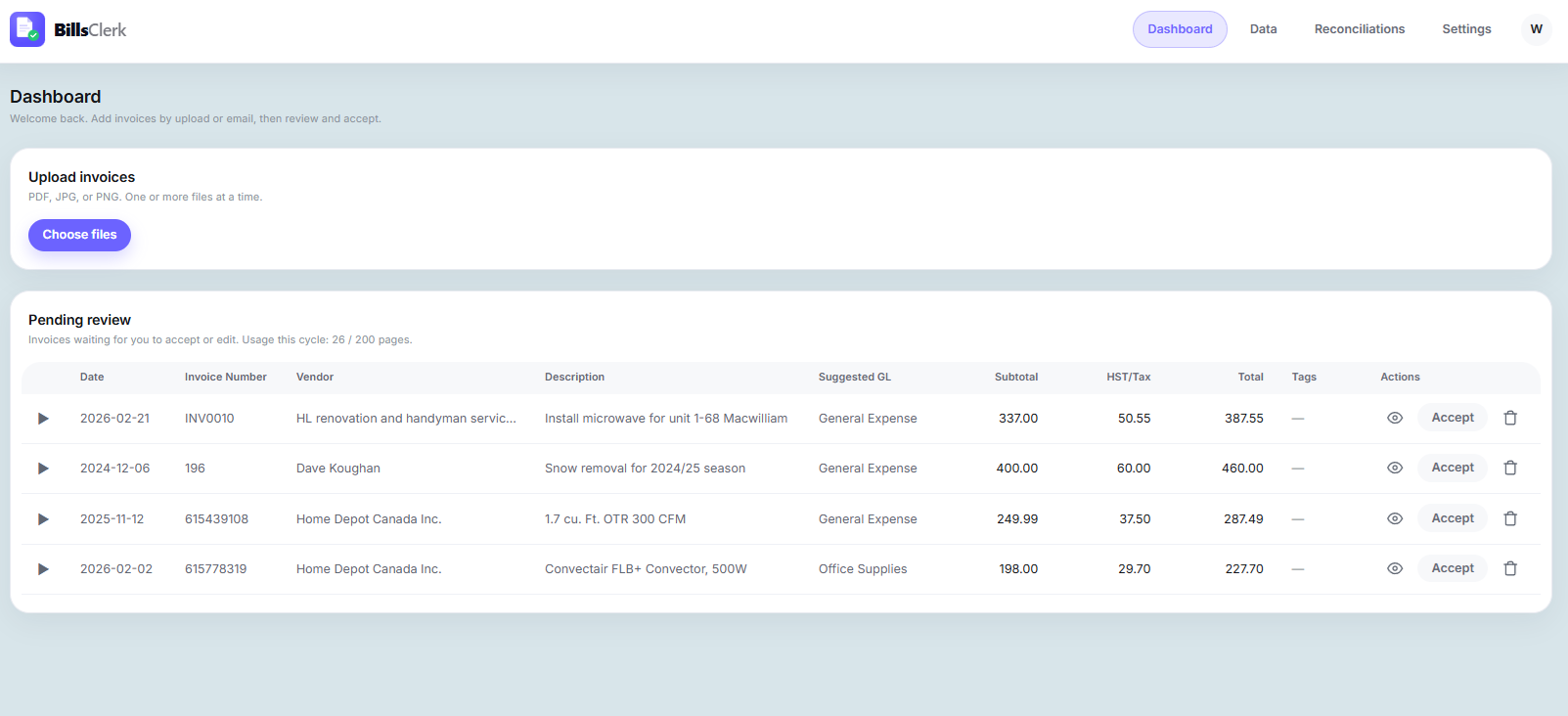
See the original invoice next to the extracted data. Tweak a field if needed, then hit accept. Most invoices take seconds to confirm. No spreadsheet formulas, no copy-paste, no second-guessing.
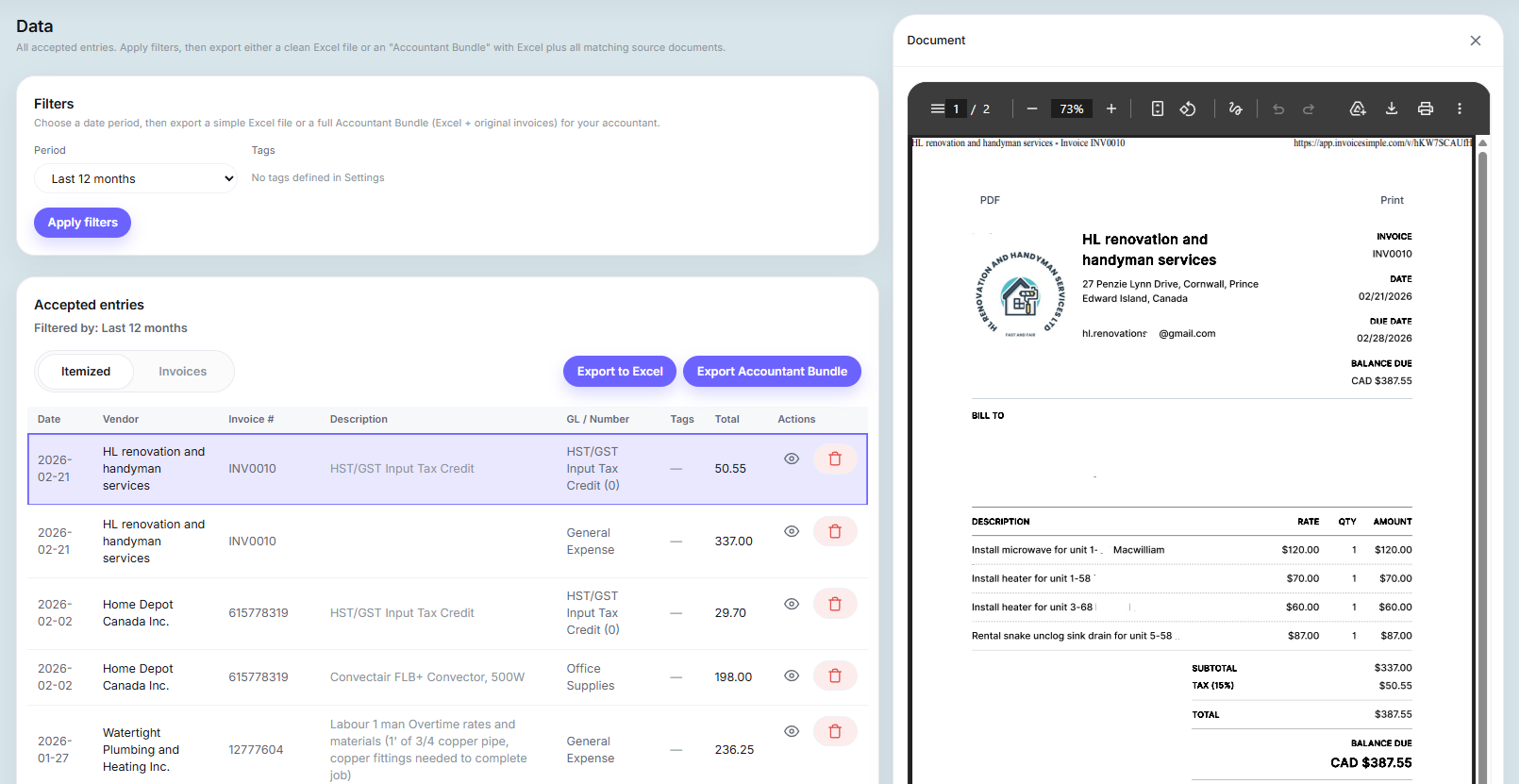
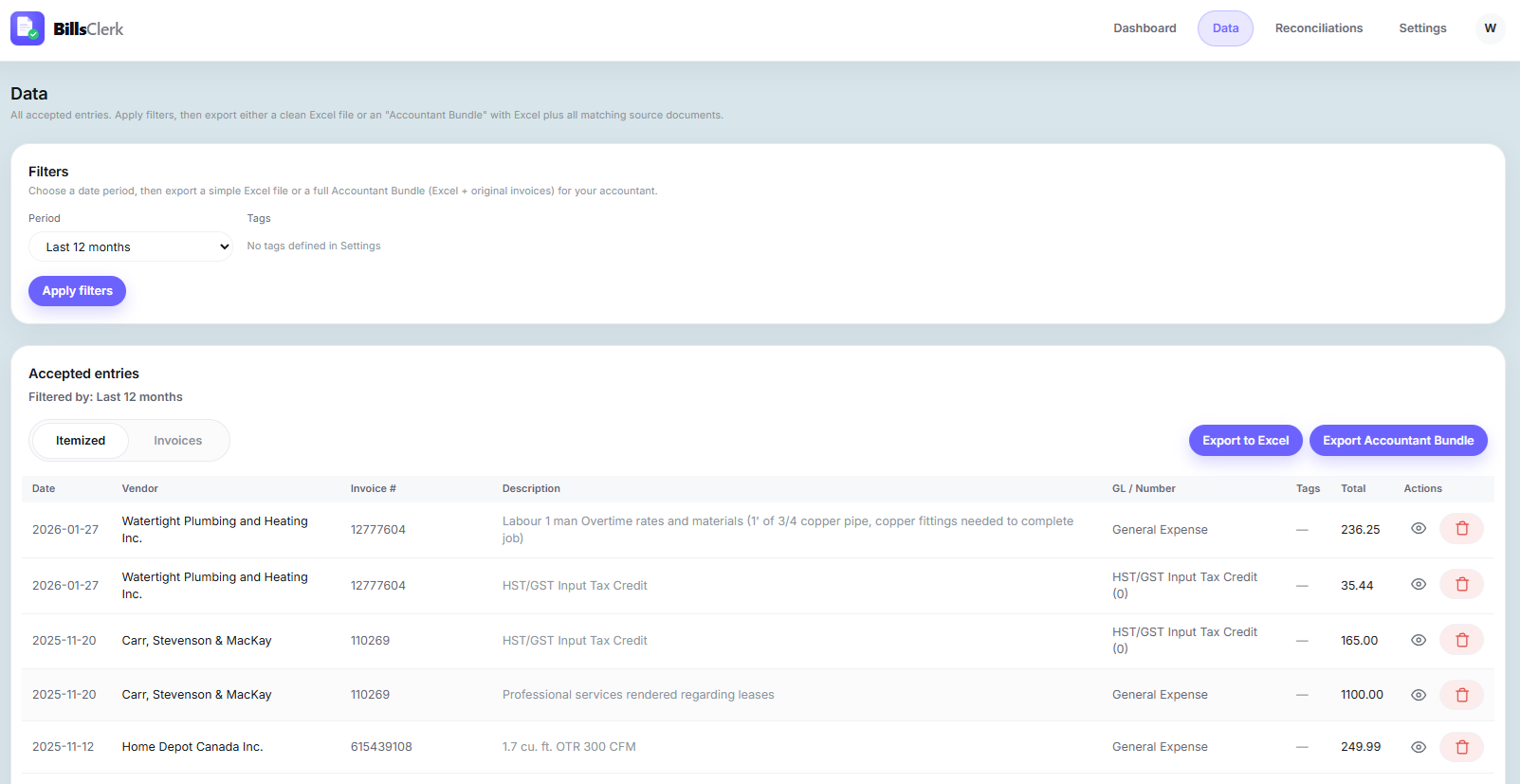
Filter by month, hit export, and BillsClerk builds a ZIP with your bookkeeping entries in Excel plus every source invoice attached. One file. Your accountant gets everything they need — organised, complete, and ready to go.
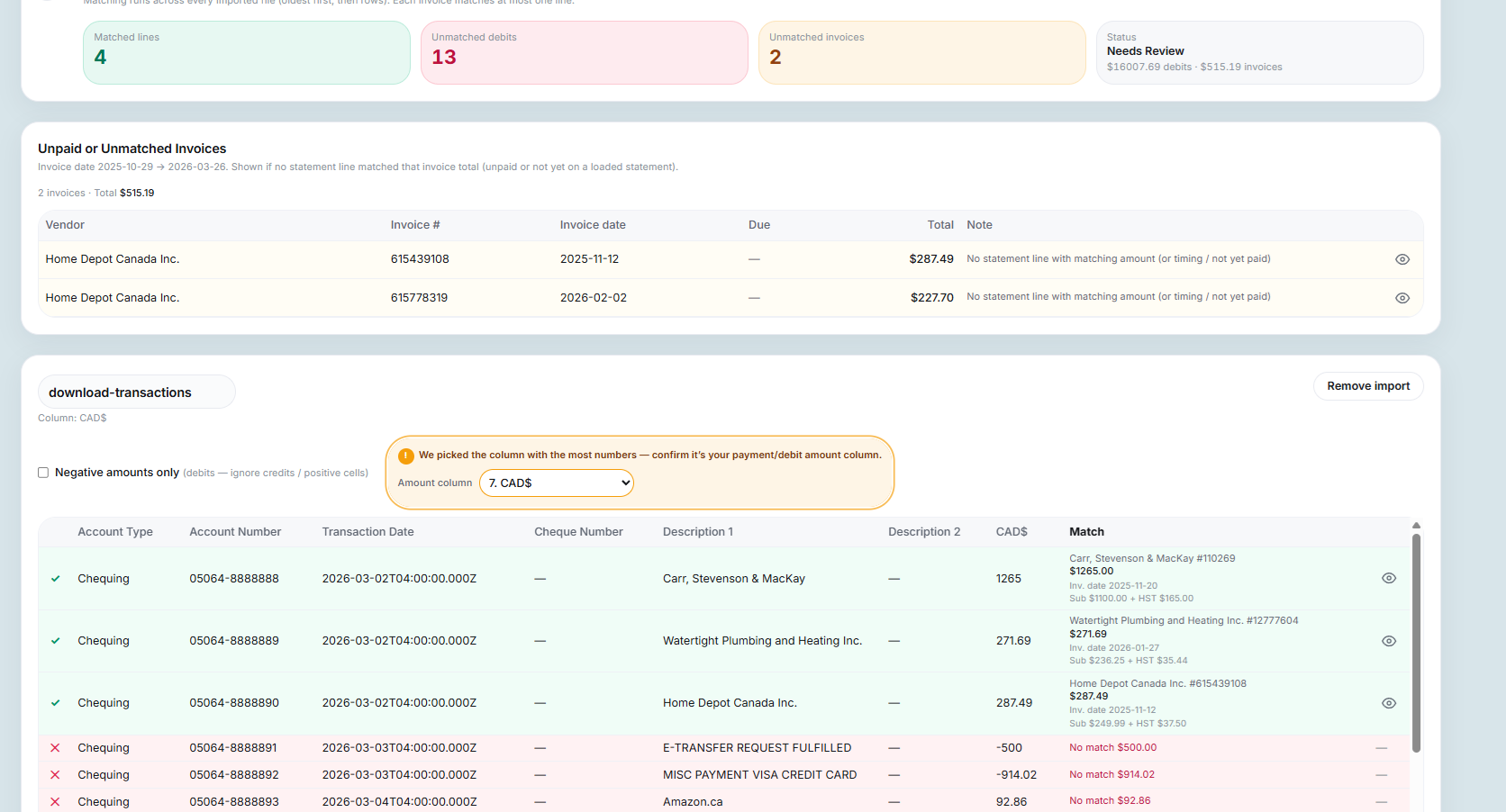
Upload your bank or card statement and BillsClerk matches every transaction against your invoices. Anything unmatched gets flagged instantly — so you're never caught off guard in an accountant meeting again.
BillsClerk suggests the right GL codes and expense categories automatically — based on your own chart of accounts, with sensible defaults if you don't have one. Just confirm. It gets sharper with every correction.
Tag entries by property, project, or client, then filter and export separately. Perfect for landlords tracking costs per rental unit, or any business that needs per-project or per-client breakdowns without a full accounting system.